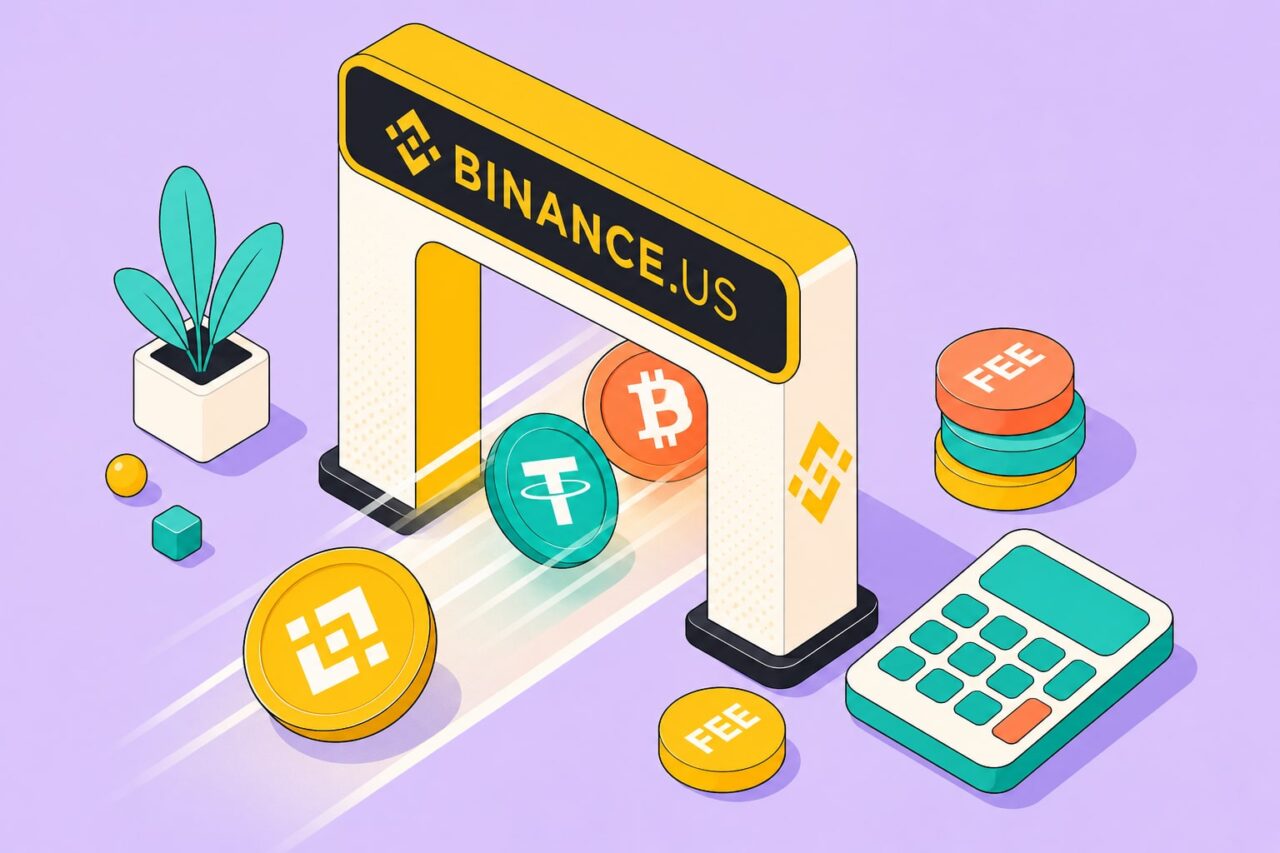
The Binance US fees vary based on the trading tier you are on, how you pay for trades, the asset you’re trading, and the type of transaction. While advanced trading can be relatively low fee, instant buy spreads, debit card fees, network fees, and limits on fiat transfers can result in a higher cost for each transaction.
Binance.US Fees at a Glance
The most economical way to buy crypto on Binance.US is likely to be making an advanced trading order and paying via an eligible bank transfer. An instant purchase on the platform is much more convenient for most people, but your quote may include a spread in addition to the quoted fee. Be sure to look at the final confirmation screen of any transaction to make sure you’re comfortable with the amount.
- Advanced Trading – Binance.US charges maker and taker fees based on your rolling 30-day volume
- Zero-Fee Pairs – Some Binance.US trading pairs are (or have been) zero fee. Some promotions have also been zero fee for limited time periods.
- Deposits – Binance.US may not charge a deposit fee for eligible ACH deposits.
- Wire Transfers – Depending on your account and the method of transfer, Binance.US may charge a wire transfer fee. Sending or intermediary banks may also charge you a fee.
- Debit Card Purchases – Binance.US allows users to buy crypto via debit card. This option is convenient, but may be more expensive than other methods, such as ACH.
- Crypto Withdrawals – Binance.US does charge fees for crypto withdrawals, which may vary by asset and network.
- Instant Buy – If you buy crypto via the “Instant Buy” feature, you may be subject to a spread in addition to the quoted fee.
Binance.US reserves the right to change their fees at any time. They may also change their supported payment methods, withdrawal methods, or offer promotions. For the most up-to-date fees for Binance.US, check their fees page. You can also find the fees for any transaction during the final confirmation screen.
Binance.US Maker and Taker Tiers
Binance.US operates on a “maker-taker” fee system for some advanced trading pairs. A “maker” is a user who adds liquidity to the order book by placing an order. A “taker” is a user who executes an order, which removes liquidity from the order book.
Binance.US charges different fees for users, depending on their trading volume over the last 30 days. The higher your trading volume, the lower your fees. (Note that the fee schedule for makers and takers may vary between markets or assets.)
- A limit order is likely to be treated as a maker order, as long as it rests on the order book.
- A market order will likely be treated as a taker order.
- If a limit order is executed immediately, it may be treated as a taker order.
- It doesn’t matter what rate Binance.US had in a review from the past – what’s important is what rate you’re currently getting on your account.
So don’t assume that every limit order will get the maker rate – if your limit order is filled immediately, you may be treated as a taker.
What Pairs are Zero Fee?
Binance.US has offered zero-fee trading on certain trading pairs, and has run zero-fee promotions for limited time periods. The zero-fee pairs may change, so a zero fee claim in an older article may no longer be accurate.
A zero-fee trading pair doesn’t mean you won’t have any fees to pay. You may still be subject to a bid-ask spread on an order, slippage, or withdrawal fees. You may also be charged a different fee if you make an instant purchase, rather than making an order on the advanced trading order book.
If a pair is zero fee, be sure to check the exact pairs and dates of the promotion, or account requirements. Don’t assume that all trading pairs on Binance.US will be zero fee.
Binance.US Deposit Fees Explained
For many Binance.US users, ACH is the least expensive way to deposit US dollars onto the platform. ACH deposits may be subject to verification, transfer limits, or hold times, or a temporary hold on withdrawal.
Wire transfers may be a good option for Binance.US users who need to deposit a larger amount of funds. Like ACH deposits, wire transfers may be subject to a Binance.US fee, a sending bank fee, or an intermediary bank fee. Be sure to follow the instructions for wire transfers, or you may experience delays or issues with tracing your funds.
Binance.US also allows users to purchase crypto with a debit card. Using a debit card is convenient, and may be a quicker way to purchase crypto on the platform for a quoted amount. However, it may be a more expensive option, as Binance.US may build in a card processing fee and the spread to an instant buy purchase. Don’t just look at the dollar fee when making your purchase – you should also pay close attention to how much crypto you’ll actually receive.
- ACH may be a lower-cost deposit method on Binance.US, but subject to transfer times, limits, and holds.
- A wire transfer may be a good option for users who want to make a large transfer, but may be subject to a fee from your bank or an intermediary bank.
- Purchasing via debit card can be quick and easy, but may be a more expensive way to purchase crypto on Binance.US than using a bank account.
- When making an instant purchase on Binance.US, the quoted price may include a spread, in addition to a transaction fee.
Binance.US Crypto and USD Withdrawal Fees
Binance.US charges fees for crypto withdrawals, which may vary based on the asset and network. Binance.US typically shows the withdrawal fee before you confirm the transaction, but the fee can change.
- Be sure that the network you choose for the withdrawal matches the network of the wallet you’re sending to.
- Make sure that the wallet you’re sending to supports that network and standard of the token you’re withdrawing.
- Note the amount of the asset that you will actually receive, and check to see if the wallet has a minimum deposit.
If you send crypto to a network that isn’t supported by the wallet, you may lose the funds permanently. Be especially careful when withdrawing small amounts.
Binance.US may offer ACH or wire withdrawals in USD, depending on your account and which methods are currently supported. Be aware of any processing time, minimums, verification requirements, or holds that may apply to the withdrawal. Your bank may charge its own fees.
Instant Buy Spread and Total Cost
With the Instant Buy feature, instead of having to place your order on the advanced order book, you’ll see a price quote. The price quote has a spread (the difference between the price you can actually buy at on the market through the liquidity provider and the quoted price).
This spread can be more significant than the fee charged for a transaction. For example, a quote that is 1% higher than the corresponding price on the market would mean you would be paying $5 more on a $500 buy than if you had traded on the market – without factoring in any fee charged.
If you are price sensitive, it is a good idea to compare the final price quote of Instant Buy with the price on the advanced trading screen at the same time. Note that the price is constantly changing and this is just an example, but this will give you a better idea of the cost of convenience.
USD Suspension and Restoration History
In 2023, Binance.US had major disruptions to its USD banking services, as a result of a change with its banking partners. As a result, USD deposits and withdrawals were suspended or restricted for many of its customers, although it continued to offer other methods of funding the account and trading in crypto.
Later, Binance.US was able to restore access to USD via new and modified banking relationships that allowed customers to use ACH and wire services again.
The history of USD access with Binance.US is likely the reason many of the older reviews discuss unsuccessful deposits or withdrawals, or the overall lack of access to USD. This is not indicative of the payment options available today.
Common Fees Complained About in Binance.US Reviews
When looking at customer reviews of Binance.US, like on Trustpilot, the Better Business Bureau, the Apple App Store or Google Play, the same complaints show up over and over again. These are not all specific to one trading commission, and rather deal with the clarity of the fees or access to the account, such as:
- The final amount of an instant buy transaction is different than what the customer expected.
- High withdrawal fees, especially when withdrawing small amounts of crypto.
- The time it takes for ACH deposits or USD withdrawals.
- The time it takes for verification and account checks to be completed before being able to access funds.
- Difficulties in getting in touch with support, especially while waiting for a transfer.
- The 2023 USD banking disruption
As you can see, while the reviews can offer some good insight, it’s not a good idea to rely on them too much as they aren’t a replacement for the fee schedule. In particular, when looking at reviews of the mobile app you are likely to see a variety of complaints relating to the technology, verification, banking access, trading losses, and legitimate issues with fees.
Comparing Total Trading Costs
When comparing trading fees, it’s important to do so on an apples-to-apples basis: the same asset, order size, order type, funding method and withdrawal network. For example, comparing the advanced trading on Binance.US with another exchange’s instant buy option is not an accurate comparison. Here is a look at the fees from several different exchanges to compare:
- Binance.US: maker-taker tiers, specific to trading pair, plus funding fees, Instant Buy spread and withdrawal fee
- Coinbase Advanced: maker-taker tiers, based on trading volume, plus funding and withdrawal details
- Kraken Pro: maker-taker tiers, based on market and funding method and withdrawal details
- Gemini ActiveTrader: maker-taker tiers, based on volume, asset and order type, plus funding details
The key to take away from comparing fees is that the best trading rate may not always mean the best cost for your completed transaction.
Please note that it is best to check out the current fee schedule on each exchange before trading. Fees and promotions change as do the options for funding and the costs of withdrawal.
Practice Before Going Live
The best way to get to grips with fees is to practice using them. Practice the entire process – from choosing an order type and position size to entering and exiting a trade and reviewing the result. BuyCrypt offers a multi-exchange crypto trading terminal that can be used to practice and explore the mechanics of trading across exchanges. We are not an exchange and do not sell crypto.
BuyCrypt also offers free tournaments and demo contests to allow you to trade using a simulated account with real market data. You may win real USDT prizes without depositing anything! Trading with strategies in these free tournaments and demo account gives you a chance to practice without paying fees in live trading.
The BuyCrypt app offers a gamified way to learn about trading. BuyCrypt is also a crypto prop firm, and our prop plans start from as little as 49 USDT or can be accessed for free through our The Ladder crypto tournaments. These lead to an evaluation that will give you access to a $5,000 funded account with an 80% profit split. Payouts in USDT are available and can be confirmed on chain.
Past performance is not indicative of future results. Crypto is volatile and this is an educational article, not financial advice.
Frequently Asked Questions
Are Binance.US fees high?
Fees on Binance.US can be very competitive for the advanced trading, especially at higher volume levels and on trading pairs where there is a zero-fee promotion. However, with Instant Buy, funding by debit card and the other costs like spread and withdrawals, the total fee can be higher.
Does Binance.US charge for ACH deposits?
Binance.US can offer free ACH deposits to eligible customers. However, this can be subject to change, with limits, holds and other account requirements.
What is the fee for Binance.US debit card?
It depends on what is currently set up with the exchange for payments and the quote on your transaction. Make sure to look at the total dollar amount, crypto amount, and any fees for processing and spread.
Why did my crypto withdrawal fee change?
The crypto withdrawal fees on Binance will vary based on the asset, the network you use, and Binance’s current fee schedule. The actual fee amount can change depending on network conditions and Binance fee schedule changes.
What fee complaints appear most often in Binance.US reviews?
Common complaints found in Binance.US reviews include pricing for instant buys, withdrawal fees, ACH transfers, and USD transfers taking too long, account being held, verification issues, and having a difficult time contacting customer support. Many of the old reviews also talk about Binance suspending their on-ramp for USD.
Related on BuyCrypt: the multi-exchange terminal · App · free tournaments
Discussion
Comments from BuyCrypt Live. Sign in with Google or Apple — we create your BuyCrypt account on the way, the same one as in the app.